
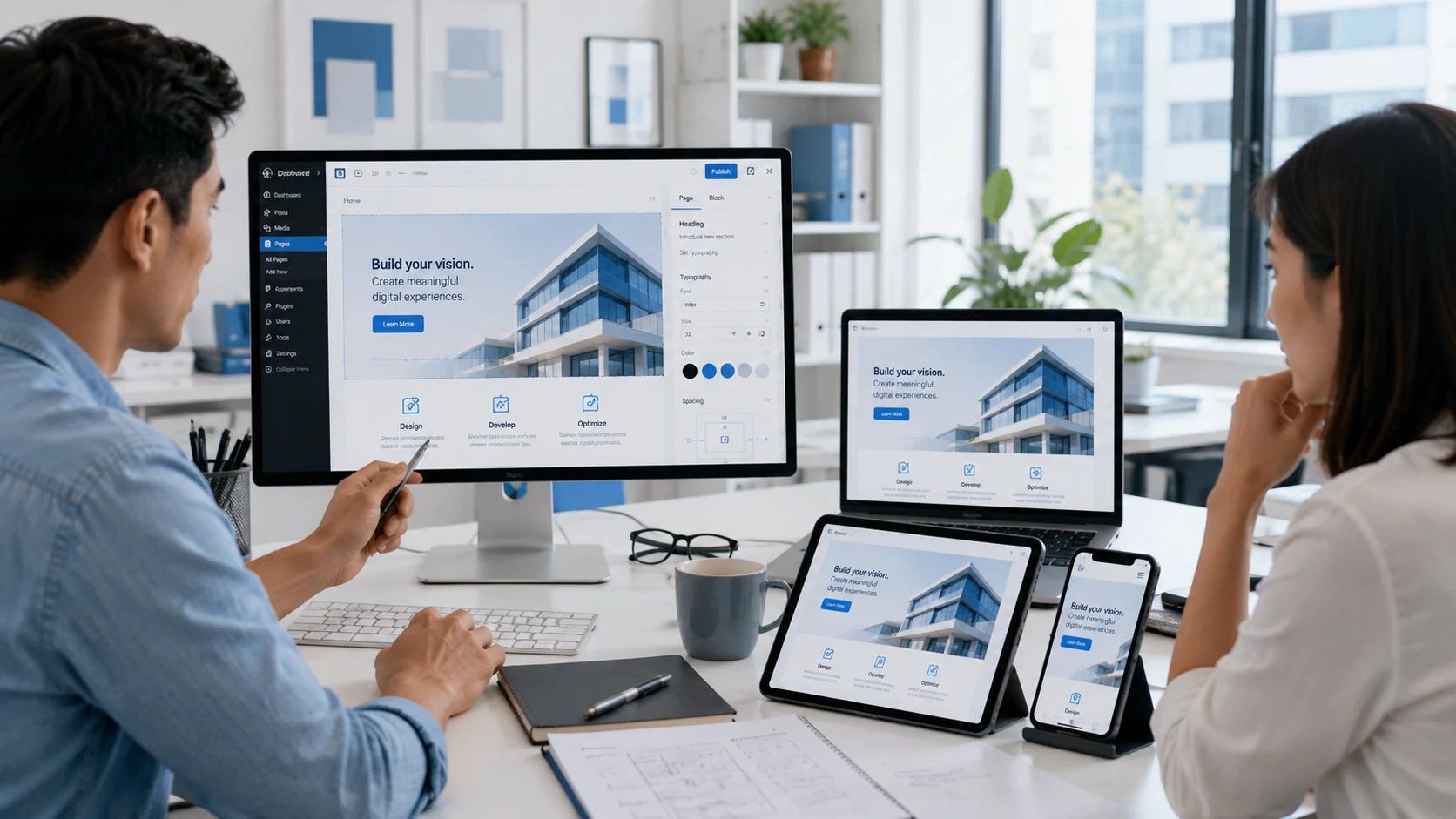
A website can look great on a large screen and completely fall apart on mobile. A button that should take seconds to style can turn into another round of custom CSS. Even something as simple as keeping icons consistent across a website can become more work than expected.
For a web designing company, these little problems matter because they slow down projects and make websites harder to maintain. WordPress 7.1 is trying to remove some of that friction.
The August 2026 update introduces more flexible responsive styling, additional interaction states, improved icon tools, and other changes aimed at giving designers and developers greater control inside WordPress. They may sound like small technical updates, but together they could noticeably change how websites are built.
Why WordPress 7.1 Could Change the Way a Web Designing Company Works
WordPress has been steadily giving designers more control through its block editor, and version 7.1 pushes that idea further.
One of the biggest changes is responsive block styling. Designers can now define different styles for desktop, tablet, and mobile experiences more directly. Themes can also establish their own breakpoints instead of forcing every website into exactly the same responsive behavior.
For a web designing company, that can mean less time fighting against a layout and more time deciding how the website should actually behave.
Businesses investing in web design services may not care about the technical setup behind the scenes, but they will care when their pages look cleaner, behave more consistently, and require fewer fixes across different devices.
Responsive Design Is Getting Easier to Fine-Tune
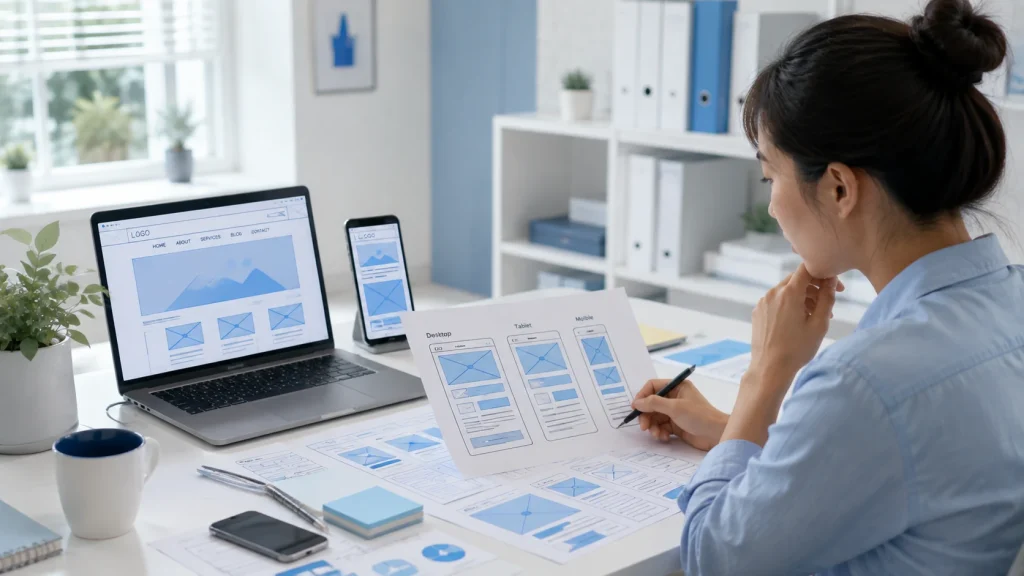
Responsive design has moved far beyond making everything smaller for mobile.
A headline that works beautifully on a desktop may dominate a phone screen. A three-column layout may need to become one column. Spacing that feels balanced on a laptop can suddenly look huge on a smaller device.
WordPress 7.1 gives designers more direct control over details such as:
- Spacing
- Colors
- Dimensions
- Borders
- Layout behavior
- Device-specific presentation
That can make responsive adjustments feel more like part of the actual design process rather than something that gets patched afterward.
This is especially relevant to web development in the Philippines, where businesses are often reaching audiences who browse heavily through smartphones.
Of course, better tools don’t automatically create better mobile experiences. Designers still need to think about readability, navigation, hierarchy, loading speed, and what visitors are actually trying to accomplish.
Small Interaction Details Could Become Much More Flexible
Some of the best website design choices are the ones users barely notice.
Move your mouse over a button, and it reacts. Use your keyboard to navigate, and you can clearly see which element is selected. Click a menu item, and the website gives you visual feedback.
Those little interactions help a website feel responsive and intentional.
WordPress 7.1 expands support for states such as hover, focus, focus-visible, and active. That gives designers a more structured way to control how certain elements respond when users interact with them.
For a web designing company, this could reduce the amount of custom work needed for small but important interface details.
And that matters because visitors may not say, “Wow, excellent focus-visible styling.”
They’ll simply feel that the website works properly.
The New Icon Tools Could Help Websites Feel Less Generic
There’s a reason so many websites start looking suspiciously similar.
Same menu icons. Same arrows. Same social symbols. Same feature boxes.
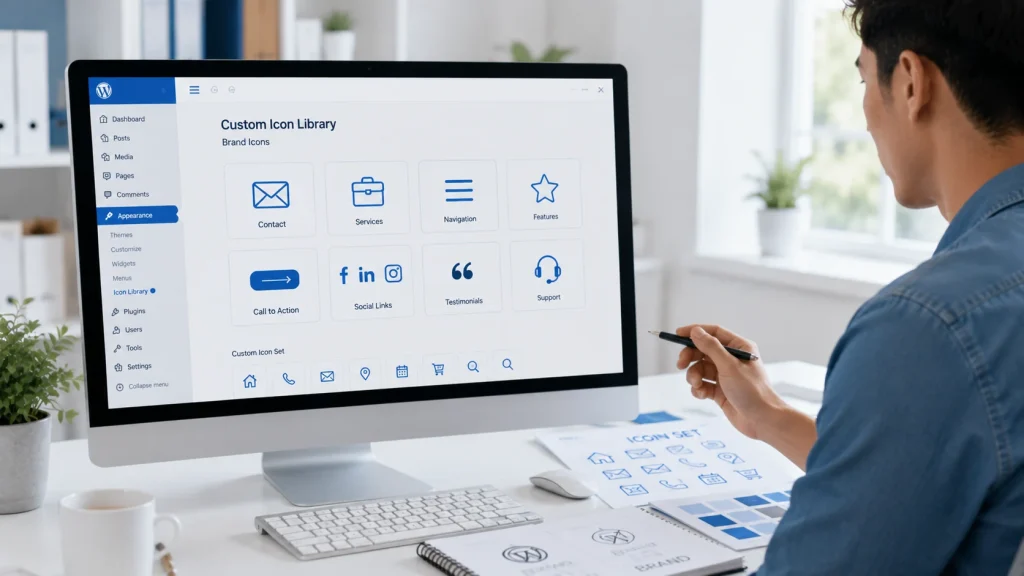
WordPress 7.1 introduces a public SVG Icon API that allows developers to register and reuse custom icon collections more systematically.
That gives designers another opportunity to make websites feel more connected to the brand instead of relying entirely on whatever default icon library happens to be available.
A company could use its own visual system for:
- Contact information
- Services
- Navigation
- Calls to action
- Features
- Social links
For teams handling web design and development, reusable icons can also make future updates easier because visual elements can remain consistent across different pages.
It’s not a revolutionary change on its own, but combine it with better responsive control and interaction styling, and WordPress becomes noticeably more flexible.
What These Changes Mean for Faster Web Design and Development
The interesting part about WordPress 7.1 isn’t one giant feature that completely changes website creation.
It’s the accumulation of smaller improvements.
Responsive styles become easier to manage. Interaction states require less workaround code. Icons become more reusable. Global Styles and editor tools continue becoming more capable.
That can reduce some of the repetitive technical work involved in building modern websites.
But faster doesn’t automatically mean better.
A website still needs clear structure, strong content, thoughtful design, mobile usability, performance, accessibility, and a reason for visitors to take action.
At Tech Support Plus IT Services, we see new WordPress tools as exactly that: tools. They can make implementation easier, but the strategy behind the website still determines whether people actually enjoy using it.
What a Web Designing Company Should Start Testing Now
New WordPress features are exciting until an existing plugin, theme, or customization suddenly behaves differently.
That’s why a web designing company shouldn’t treat WordPress 7.1 as an update to install and forget.
Before rolling changes across client websites, teams should test:
- Desktop, tablet, and mobile layouts
- Button and navigation states
- Custom blocks
- Existing theme styles
- Plugin compatibility
- Editor extensions
- Custom icons and reusable elements
WordPress 7.1 gives designers more ways to control how a website looks and behaves. The opportunity is to use that flexibility without adding unnecessary complexity.
Tech Support Plus IT Services helps businesses build, maintain, and improve WordPress websites as the platform evolves. If your current website feels difficult to update, inconsistent across devices, or simply ready for something better, contact us and start planning a website that can keep up.