
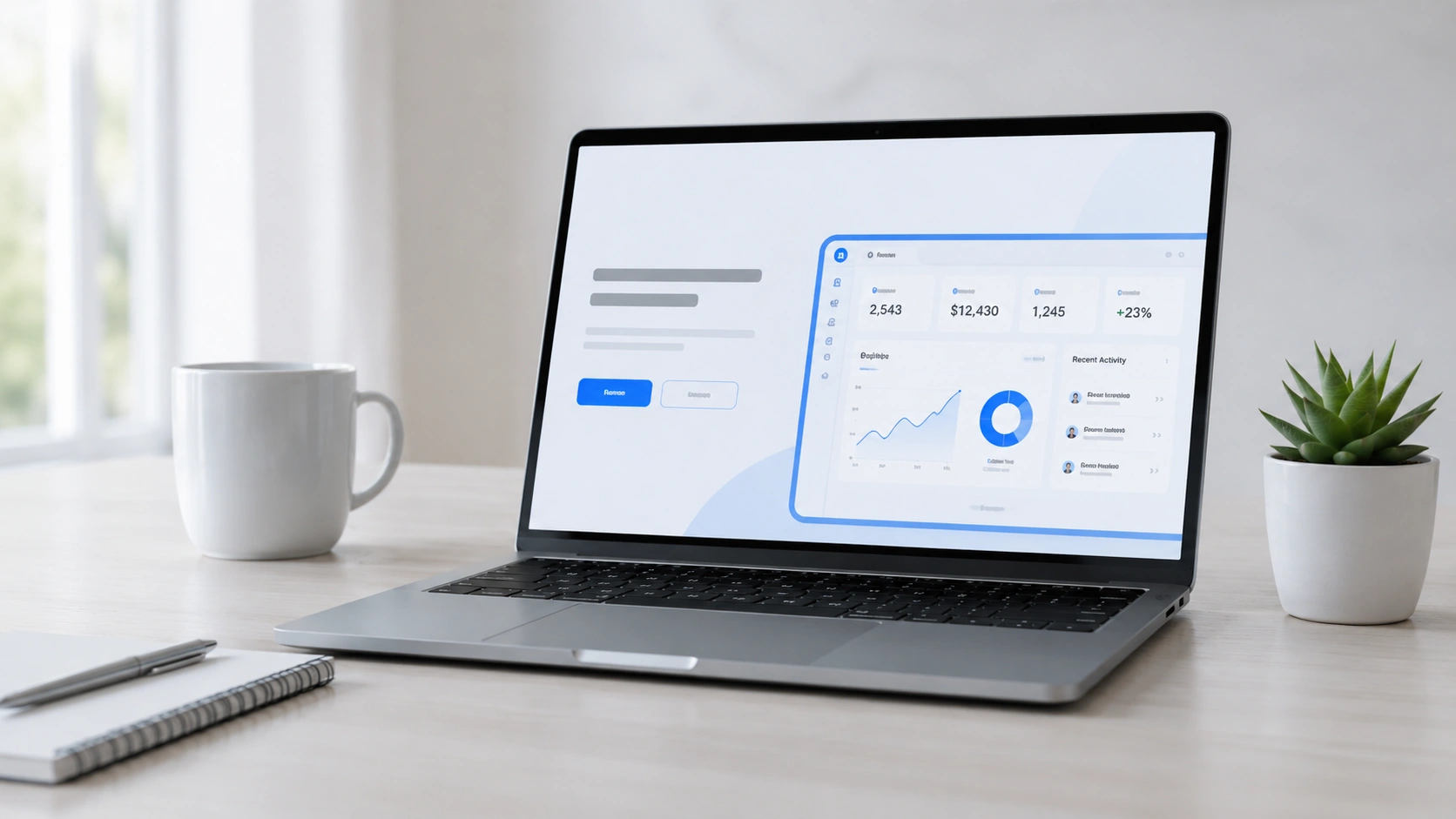
SaaS website development is not just about making a website look modern. It is about helping visitors understand your software, trust your brand, and take action without feeling confused.
Many SaaS websites lose potential customers because the message is unclear, the pages are too crowded, the pricing is hard to understand, or the call-to-action buttons are weak. A visitor may arrive on your website interested in your solution, but if they cannot quickly see what your product does and why it matters, they may leave within seconds.
A strong SaaS website should guide users from curiosity to confidence. It should answer their questions, show the value of your software, and make the next step easy. At Tech Support Plus IT Services, we understand that a website should not only look good. It should support your growth, improve user experience, and help turn traffic into real leads.
Why SaaS Website Development Matters for Conversions

Your SaaS website is often the first serious touchpoint between your brand and a potential customer. Before someone books a demo, starts a trial, or sends an inquiry, they usually check your website first.
A well-planned website helps you:
- Explain your product clearly
- Build trust with new visitors
- Guide users to important pages
- Increase demo requests or sign-ups
- Support your SEO and PPC campaigns
- Improve the customer journey
For SaaS businesses, every section should have a purpose. Your homepage, feature pages, pricing page, blog, and contact forms must work together to move visitors closer to action.
1. Start With a Clear Value Proposition
Your value proposition tells visitors what your software does and why they should care. This should be one of the first things people see when they land on your website.
A strong value proposition should answer three simple questions:
- What problem does your software solve?
- Who is it for?
- What result can users expect?
Avoid using too many technical terms in your main headline. Your visitors should not need to read three paragraphs just to understand your offer. Keep your message simple, direct, and benefit-focused.
For example, instead of only saying your software has advanced tools, explain how it helps users save time, manage tasks better, reduce errors, or improve business performance.
2. Keep Your Homepage Simple and Focused
A SaaS homepage should not try to say everything at once. When too many sections, buttons, pop-ups, and visuals compete for attention, visitors may feel overwhelmed.
A clean homepage should include:
- A strong headline
- A short explanation of your product
- A clear call-to-action
- Key benefits
- Main features
- Trust signals
- Pricing or demo direction
- Contact or sign-up option
Good design gives users space to understand your message. Use short sections, simple visuals, and clear page flow. Every part of the homepage should help visitors move forward.
3. Use Strong Call-to-Action Buttons
Your call-to-action or CTA tells visitors what to do next. If your CTA is weak or unclear, users may browse your website without taking action.
Use simple CTA text such as:
- Book a Demo
- Start Free Trial
- Request a Consultation
- Get Started
- Talk to Our Team
Your CTA buttons should be easy to find. Place them in important areas such as the hero section, after feature explanations, near pricing sections, and at the end of the page.
It is also important to match the CTA with the user’s intent. A visitor who is still learning may prefer “Learn More,” while a ready buyer may respond better to “Book a Demo.”
4. Build Trust With Proof and Clear Information
People do not sign up for software just because the design looks nice. They need to feel confident that your product is reliable and useful.
You can build trust by adding:
- Customer feedback
- Case studies
- Product screenshots
- Security notes
- Clear company information
- Helpful FAQs
- Transparent pricing details
If you do not have many reviews yet, focus on clarity and professionalism. Explain your process, show product value, and make your website feel honest and easy to understand. Trust also comes from consistency. Your branding, tone, layout, and message should feel aligned across every page.
5. Create Feature Pages That Focus on Benefits
Many SaaS websites make the mistake of listing features without explaining why they matter. Features are important, but benefits are what convince users.
For each feature, explain:
- What it does
- Why it matters
- How it helps the user
- What problem it solves
For example, instead of only saying “automated reports,” explain that users can save time, reduce manual work, and make faster decisions with ready-to-view reports.
Use product screenshots, icons, short descriptions, and simple examples. This makes your software easier to understand, especially for visitors who are comparing options.
6. Make Pricing Easy to Understand

Pricing is one of the most visited pages on many SaaS websites. If your pricing page is confusing, users may hesitate or leave.
A good pricing page should include:
- Clear plan names
- Simple pricing structure
- Features included in each plan
- Recommended plan highlight
- FAQs about billing or upgrades
- CTA buttons for each plan
Avoid hiding important details. When users feel that pricing is unclear, they may lose trust. Even if your pricing depends on custom needs, explain how users can request a quote or consultation.
7. Improve Mobile Experience and Page Speed
Many users will visit your website using a phone or tablet. If your pages are hard to read, buttons are too small, or forms do not work properly, you may lose valuable leads.
A mobile-friendly website should have:
- Easy-to-read text
- Clear buttons
- Fast-loading images
- Simple menus
- Forms that work smoothly
- Layouts that adjust to different screen sizes
This is where responsive UI design Philippines can support businesses that want a better local and mobile user experience.
Speed also matters. Slow websites can affect user trust, search performance, and conversion rates. Compress images, remove unnecessary scripts, and keep your design clean.
8. Choose the Right Website Development Services Partner
Working with the right team can make a big difference in your website results. A good partner should understand design, user experience, SEO, technical setup, and conversion goals.
At Tech Support Plus IT Services, we help businesses build stronger digital foundations through our web and technical services. We also support growth through SEO Services, PPC Services, and Cloud Solutions, so your website can work with your full digital strategy.
A SaaS website should not be treated as a one-time design project. It should be planned, launched, tested, and improved over time.
9. Add Simple Forms for Lead Generation
Forms are important for collecting leads, demo requests, and inquiries. However, long and complicated forms can stop users from completing the action.
Keep your forms simple. Ask only for the most important details, such as:
- Name
- Email address
- Company name
- Message or product interest
You can always collect more details later. The goal is to make the first step easy. Also, place forms in the right areas of your website. Add them on contact pages, demo pages, landing pages, and service pages where users are ready to take action.
10. Use SEO-Friendly SaaS Content
Good content helps your website attract the right visitors. Your blog, service pages, and product pages should answer real questions your audience is searching for.
Helpful SaaS content can include:
- Product guides
- Comparison articles
- Problem-solution blogs
- Feature explainers
- Industry tips
- FAQs
- Use case pages
SEO-friendly content helps search engines understand your website and helps users trust your knowledge. When your content is clear and useful, visitors are more likely to stay, explore, and contact your team.
11. Track User Behavior and Improve Over Time
A high-converting website is not built by guessing. You need to track how users behave on your pages.
Important things to monitor include:
- Page views
- Bounce rate
- Button clicks
- Form submissions
- Demo requests
- Traffic sources
- Conversion rate
This helps you see what works and what needs improvement. You may discover that a CTA needs stronger wording, a pricing page needs clearer details, or a homepage section needs better flow. Small improvements can lead to better results over time.
Build a SaaS Website That Turns Visitors Into Leads

A successful SaaS website should be clear, fast, helpful, and built around the user journey. It should explain your product, show your value, build trust, and make every next step easy.
If your website looks good but does not bring enough leads, it may be time to improve its structure, content, speed, and conversion strategy.
At Tech Support Plus IT Services, we help businesses create stronger online experiences through web and technical services, SEO Services, PPC Services, and Cloud Solutions. If you want a website that supports real business growth, our team is ready to help you build a smarter and more effective digital presence. Contact us today!
FAQs SaaS Website
What makes a SaaS website good for conversions? A good SaaS website has clear messaging, simple navigation, strong CTA buttons, fast loading speed, helpful content, and trust-building sections that guide users toward action.
Why is mobile design important for SaaS websites? Mobile design is important because many visitors use phones or tablets to browse. If your website does not work well on mobile, users may leave before signing up or contacting you.
How can a SaaS website get more leads? A SaaS website can get more leads by using clear offers, short forms, strong landing pages, helpful content, visible CTAs, and trust signals.
Should SaaS websites have blogs? Yes. Blogs help answer user questions, improve SEO visibility, build trust, and bring more qualified traffic to your website.